

Manual Pipe Routing & Specification Checks
Spec compliance gets verified at review rather than during modelling, so errors surface after they've already propagated into isometrics and material requisitions.
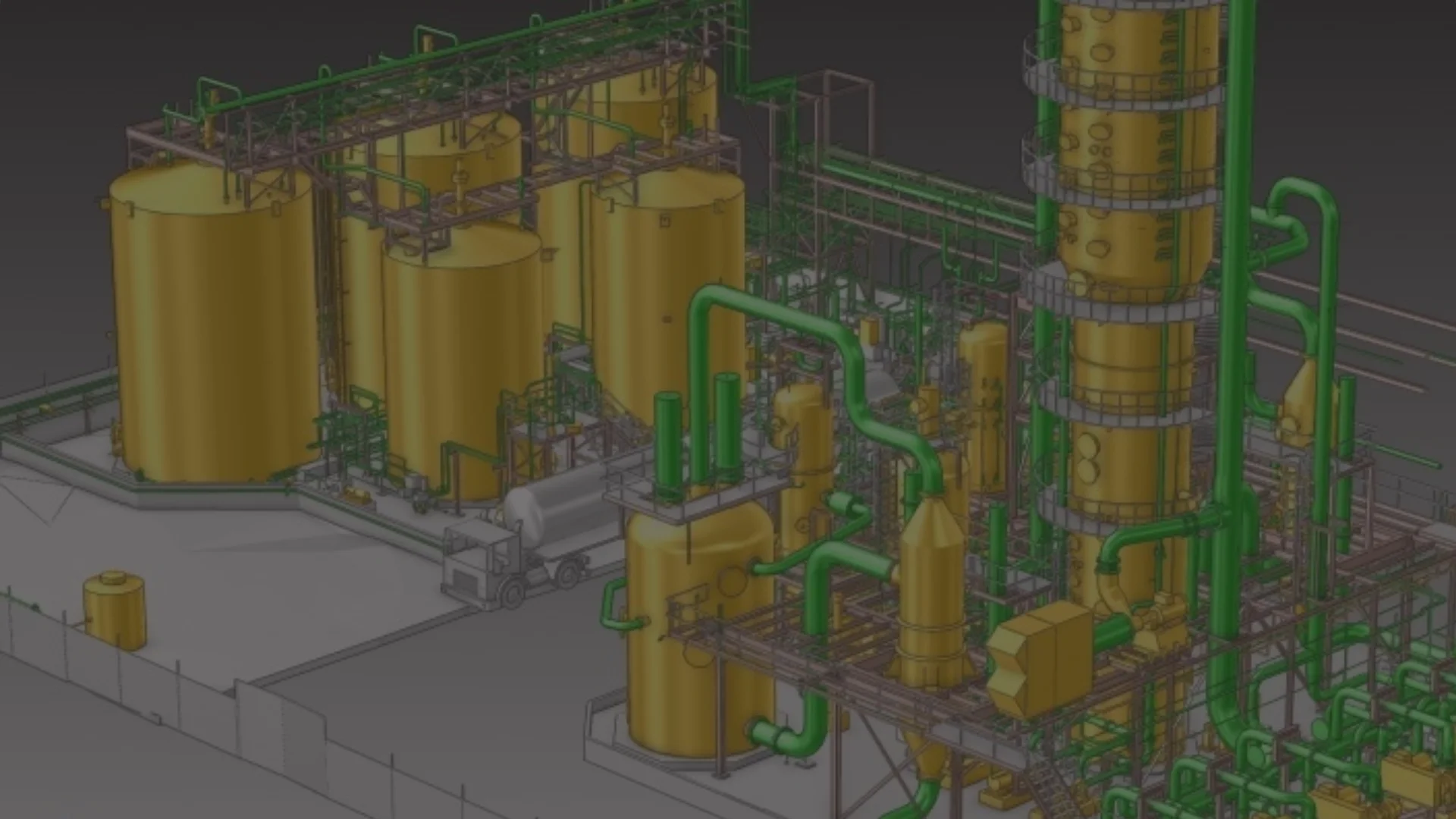
BoM error rate after CAD-to-SAP integration, AutoCAD Plant 3D environment
See Case Studymulti-discipline model review cycle, 8 disciplines including piping
View Case Study
Spec compliance gets verified at review rather than during modelling, so errors surface after they've already propagated into isometrics and material requisitions.
P&IDs in AVEVA Diagrams and the E3D model drift apart between revisions. Line sizes, instrument tags and equipment references diverge quietly, and the mismatch is found downstream in procurement.
Standard E3D reporting produces extracts, not the format your procurement and project controls actually need. The gap gets closed by hand, every revision.
PML is a specialised skill and most engineering teams don't have a dedicated E3D developer. Work that would take a specialist two weeks stays undone for two years – not because it's hard, but because nobody owns it.
From PML automation to enterprise integration, we extend E3D to match how your projects actually run. Unlike firms selling E3D modelling hours, we build tools your team owns and uses independently – the deliverable is reusable software, not drawings.
PML macros and appware for automated modelling tasks, batch operations, validation sequences, drawing generation and reporting. Catalogue structure modification and spec-driven selection rules aligned to your material codes and procurement standards – so what an engineer picks in E3D matches what procurement needs in the ERP. Custom UI and workflow extensions on top of E3D's standard functionality.
Automated consistency checks that compare P&ID definitions against the E3D model continuously – flagging mismatches in line sizes, specs, equipment references, instrument assignments and connection points during design rather than at review. Tag synchronisation and change propagation in both directions, plus equipment specification extraction for downstream engineering.
 SAP S/4HANA
 Oracle ERP
 React
React
 WPF
WPF
 PML
PML
 AVEVA .NET API & Diagrams
 .NET Framework
 C#
C#
 Python
 SQL
SQL
Connect your CAD systems (E3D, Plant 3D, AutoCAD, Revit) to enterprise systems (SAP, Oracle, PLM) with automated data synchronisation. Our integration for a midstream gas plant cut BoM errors from 15% to under 2% and saved $120K/year in engineering labour.
CAD-ERP IntegrationAutomated clash detection and interdisciplinary coordination for large EPC projects. Our 3D Model Review Tool cut clash resolution from 3–5 days to under 1 day on a gas processing facility.
Clash Detection SolutionsSpecialized automation for oil & gas engineering – from Plant 3D and AVEVA E3D to SAP integration and piping isometrics.
Oil & Gas Solutions
Yes. We modify and extend catalogue structures to match your project specifications, material codes and procurement standards – custom components, spec-driven selection rules, and catalogue naming aligned with your ERP material masters. On O&G projects, catalogue alignment is what removes the mismatch between what an engineer selects in the model and what procurement needs in the ERP.
PML development is a core capability. We write macros and appware for automated modelling tasks, batch operations, custom validation sequences, drawing generation and reporting – from single-function productivity scripts to full appware modules extending E3D for project-specific workflows.
Yes. Our DesignBridge platform supports bi-directional integration between AVEVA E3D and SAP S/4HANA, handling the schema mismatches, project-specific naming conventions, and SAP validation rules that make generic connectors fail. The same architecture we deployed for AutoCAD Plant 3D–SAP integration on a midstream gas processing plant – where it eliminated 15% BoM error rates and saved 1,200+ engineering hours per year – is applicable to E3D environments.
We build automated consistency checks that compare P&ID definitions in AVEVA Diagrams against the E3D model continuously, flagging mismatches in line sizes, specs, equipment references, instrument assignments and connection points during design rather than at review. Combined with tag synchronisation and change propagation, discrepancies get caught while they’re cheap to fix.
It’s the usual situation and it shapes how we work. We document what we build, hand over source, and run sessions with your team so the tool doesn’t become something only we can touch. If you later want to maintain it internally, that path stays open.
A 30-minute technical call on one specific workflow. If it looks viable, a paid Discovery produces the scope, the architecture and a fixed-price estimate before any build commitment.
Tell us the thing your team works around – a catalogue rule, a check that keeps landing at review, a report rebuilt by hand every revision. In 30 minutes we'll tell you whether PML solves it, what building it would involve, and where the honest limits of our E3D track record are.