InStandart logo mobile
Book a call

15% → <2%

BoM error rate reduction (Midstream gas plant, SAP S/4HANA + AutoCAD Plant 3D)

6 weeks → 1 week

Engineering-to-procurement handover time

$120K/year

Labor cost savings from automated data transfer

icon
icon

The Real Problem with CAD-to-ERP Integration

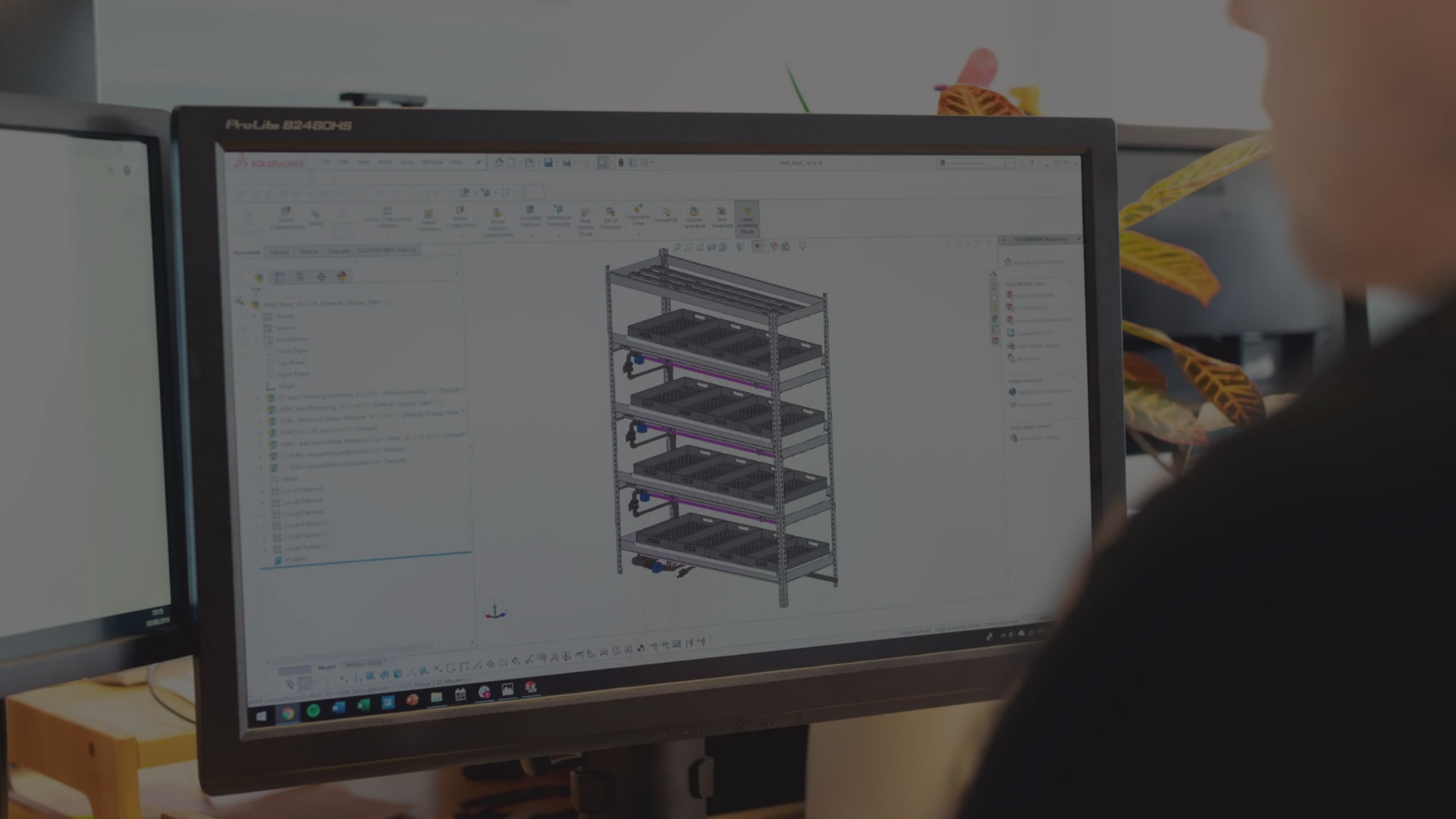
For most oil & gas, EPC, and industrial engineering teams, the gap between CAD and ERP isn't a software problem – it's a data quality problem. Your engineers design in AutoCAD Plant 3D, AVEVA E3D, or Revit. Your procurement and operations teams run on SAP S/4HANA, Oracle ERP, or SAP Ariba. Every project, someone manually exports Bills of Materials, equipment lists, and asset metadata from the engineering environment, then re-keys or reformats them for the enterprise side. What that costs you:

15%+ error rate

on transferred BoMs – wrong naming, missing classifications, incompatible units

4+ hours per package

of engineer time on manual re-entry

6+ weeks

between design completion and procurement actually placing orders

10+ days

to register assets in SAP after handover

icon
icon

Why Off-the-Shelf CAD-ERP Connectors Fail

Most teams have tried at least one of: SAP PLM Connector, Bentley OpenPlant Modeler interfaces, Autodesk Vault-to-SAP bridges, or custom in-house ETL scripts. They all hit the same four walls:

Schema Mismatch

A "pipe" in AutoCAD Plant 3D is a geometric object with engineering properties. A "pipe" in SAP is a material master record with procurement attributes. Mapping between these requires deep understanding of both data models – and the business rules that connect them.

Project-Specific Logic

Every operator has its own naming conventions, material classification systems, procurement workflows, and compliance requirements. Generic connectors handle basic transfer but fail on the project-specific rules that determine whether SAP can actually use the data.

Validation complexity

SAP has strict requirements for data formatting, categorization, and completeness. Data that's perfectly valid in AutoCAD may fail SAP validation for dozens of different reasons. Catching those issues before transfer – not after – requires SAP domain knowledge combined with CAD API expertise.

Bi-directional requirements

Simple integrations are one-way: export from CAD, import to SAP. Real workflows need bi-directional sync. When procurement updates material status in SAP, the engineer needs that change reflected in the design environment. That requires persistent connections and change-tracking logic far beyond file-based export/import.

How DesignBridge Solves It

DesignBridge is InStandart's custom integration platform for CAD-to-ERP workflows. It's not a one-size-fits-all connector – it's a four-component architecture configured to your engineering platforms, your ERP, and your project rules.

Bi-directional data synchronization

Automatic extraction and sync of Bills of Materials, equipment IDs, and asset metadata between AutoCAD Plant 3D / AVEVA E3D / Revit and SAP S/4HANA. Changes in the CAD model propagate to SAP. Updates in SAP (material availability, procurement status) reflect back into the engineering environment.

Rules-based mapping engine

Converts CAD elements (line numbers, equipment tags, pipe specs, instrument IDs) into SAP-compliant material master data and equipment records. Handles naming convention translation, material classification per SAP master data structures, procurement code and cost center assignment, and edge cases where CAD elements don't have direct SAP equivalents.

Automated validation pipeline

Built-in checks ensure every record meets SAP formatting, naming, and categorization standards before transfer. Records that fail validation are flagged with specific error descriptions – not silently dumped into the system with bad data. This is the layer that drove BoM error rate from 15% to under 2% on our midstream gas plant deployment.

Live dashboards

Real-time tracking of design progress, procurement status, and asset readiness across both systems. Project managers see – in one view – which equipment is designed, which materials are ordered, what's received, and what's pending handover.

Engagement Model & Investment

Phased approach that de-risks investment and delivers value at each stage.

Phase 1

Workflow Audit (2-3 weeks)

We analyze your current CAD-to-ERP workflows, quantify time spent on manual processes, and identify integration opportunities with ROI projections.


What’s included:

  • Workshop sessions with engineering, procurement, and IT teams
  • Current-state process mapping (CAD → Excel → SAP workflows)
  • Time and cost analysis of manual data handling
  • Technical architecture assessment (CAD platforms, SAP modules, data structures)
  • Integration roadmap with quick wins and long-term opportunities
  • ROI model with payback projections


Deliverable: Comprehensive workflow audit report with integration architecture, implementation roadmap, and business case for executive approval.

Phase 2

Pilot Implementation (6-10 weeks)

Limited-scope deployment on a single project or discipline that proves the integration works and validates ROI before full rollout.


What’s included:

  • Core integration development (BoM Sync Engine, Validation Layer)
  • Single CAD platform connection (e.g., Plant 3D only)
  • SAP connector for material requisitions
  • Basic validation rules and error handling
  • User training and documentation
  • Pilot project support (1-2 BoM packages)
  • Performance metrics and ROI validation


Deliverable: Working integration system deployed on pilot project with measured time savings, error reduction, and validated ROI – ready for full deployment decision.

Phase 3

Full Deployment (3-6 months)

Enterprise-wide rollout with all five integration modules, multiple CAD platforms, advanced features, and organizational change management.


What’s included:

  • All five integration modules (BoM Sync, Asset Tagging, Validation, Dashboard, Bidirectional Sync)
  • Multiple CAD platform support (Plant 3D + E3D + Revit)
  • Full SAP module integration (MM, PM, PS modules)
  • Advanced validation rules engine
  • Web dashboard with real-time visibility
  • Custom workflows and approval routing
  • Integration with existing systems (document management, project controls)
  • Comprehensive training program
  • Go-live support and optimization


Investment range factors: Number of CAD platforms, SAP module complexity, customization requirements, organization size, and training scope.

Phase 4

Support & Evolution (Ongoing)

Continuous support, enhancements, and evolution as your CAD platforms, SAP instance, and business requirements change.


What’s included:

  • Technical support and bug fixes
  • CAD and SAP version compatibility updates
  • New feature development based on user feedback
  • Performance monitoring and optimization
  • Additional CAD platform or ERP module integration
  • Training for new team members
  • Annual health checks and process optimization

Contact Us to Get a Detailed Roadmap

Get Your Project Roadmap

Case Studies

InStandart deployed DesignBridge: a custom bi-directional integration platform with rules-based mapping, automated validation, and live dashboards across both systems.

Integration of CAD/BIM with SAP for a Midstream Gas Processing Plant

A gas processing plant had constant mismatches between their AVEVA E3D models and SAP. Engineers transferred data by hand, which caused frequent BOM errors and delayed procurement. The wrong materials showed up on site – and the right ones arrived late.

We built a sync tool that connects E3D directly to SAP. It auto-tags assets, validates specs against master data, and keeps both systems current throughout the project.

Result: 85% better data sync. 70% fewer data-related reworks. 60% faster procurement readiness.

More Information About Case
Integration of CAD/BIM with SAP for a Midstream Gas Processing Plant

Off-the-Shelf Connector vs. DesignBridge Custom Integration

Off-the-Shelf Connector DesignBridge
Schema mapping Generic, fixed Custom to your CAD + ERP versions
Project-specific naming/classification Manual override required Built into mapping engine
Validation before transfer Post-hoc error reports Pre-transfer validation pipeline
Bi-directional sync One-way, batch Persistent, change-tracked
Error rate (typical, BoM transfer) 10–20% <2% (measured on O&G project)
Deployment time Weeks of configuration 8–12 weeks including validation rules
Handles edge cases (non-standard equipment) No Yes — flagged for manual review


Where This Integration Architecture Applies

DesignBridge is deployed across four scenarios:

Oil & Gas

AutoCAD Plant 3D, AVEVA E3D, or Intergraph Smart 3D connected to SAP S/4HANA, Oracle ERP, or SAP Ariba for procurement and asset management.

Construction & EPC

Revit or Plant 3D models synchronized with ERP for real-time BoM tracking, cost estimation, and procurement planning.

Industrial manufacturing

Design tools bridged with MES, ERP, and quality management systems for automated work order generation and material tracking.

Facility management

BIM models (Revit, Plant 3D) connected to CMMS platforms (Maximo, Archibus, SAP PM) for automated asset registration and maintenance planning.

icon
icon

Supported CAD & ERP Platforms

CAD Platforms

AutoCAD Plant 3D logo AutoCAD Plant 3D
AVEVA E3D and AVEVA Diagrams AVEVA E3D
AutoCAD Revit logo AutoCAD Revit

ERP Systems

SAP S/4HANA logo SAP S/4HANA
SAP ECC tool logo SAP ECC
Oracle ERP Cloud logo Oracle ERP Cloud
Oracle E-Business Suite logo Oracle E-Business Suite

Frequently Asked Questions

Ask Your Technical Question

How much does custom CAD-ERP integration cost?

Project cost depends on the number of data domains (BoMs, equipment, instrumentation, materials), the complexity of your SAP master data structure, and whether bi-directional sync is required. Typical engagements run 8–12 weeks of development with deployment cost in the $80K–$250K range. For the midstream gas plant project, the integration paid back in under 10 months on labor savings alone (~$120K/year), excluding procurement and handover gains.

How long does deployment take?

A typical deployment runs 8–12 weeks: 2 weeks of schema and rules discovery, 4–6 weeks of mapping engine and validation pipeline development, 2–3 weeks of UAT against real project data, and 1 week of go-live and team training.

Will it work with our existing ERP if we don’t use SAP?

Yes. DesignBridge architecture is ERP-agnostic. We’ve designed it for SAP S/4HANA, but the same mapping engine and validation pipeline work with Oracle ERP, Microsoft Dynamics 365, Infor, and IFS. The integration layer is what we customize per project.

Can it integrate with our PLM system as well as ERP?

Yes. DesignBridge can sit between CAD, PLM (Teamcenter, Windchill, Aras), and ERP handling three-way sync if your workflow requires it. Most O&G operators run CAD → PLM → ERP, and we configure the platform accordingly.

What about bi-directional sync – will SAP updates really push back into AutoCAD?

Yes. Procurement status, material availability, and approval state from SAP are reflected back into the engineering environment via the change-tracking layer. Engineers see SAP state without leaving their CAD tool.

Do we need to change our existing CAD or SAP setup?

No. DesignBridge sits as an integration layer alongside your existing systems. We don’t modify SAP customizations or replace your CAD platform. The integration is non-invasive and reversible.

How is data integrity validated during transfer?

Every record passes through the validation pipeline before entering SAP. The pipeline checks naming convention compliance, classification, completeness, and SAP master data structure. Records that fail are flagged with specific error descriptions for engineer review not silently rejected or inserted with bad data.

Ready to Replace Your CAD-ERP Workaround?

A 30-minute architecture review will tell you whether a DesignBridge deployment makes sense for your project, your CAD platform, and your ERP setup. No slides. We'll look at one of your real BoM exports and a sample SAP master data structure together.

38 Middlehill Road,
Wimborne, BH21 2SE

    What you’ll get

    • Current-state workflow mapping (CAD → ERP data flow)
    • Time and cost analysis of manual processes
    • Error rate assessment and quality impact
    • Integration approach recommendations
    • ROI projection with payback timeline
    • Next steps for pilot or full deployment