
logo mobile, instandart, instandart logo, software development company, logo, icon for website, website logo, custom software development company, instandart it company, software development
Book a call

Before vs. After Integration

Process Before After
BoM Generation 4 hours per package 15 minutes
Data Entry Errors 15% error rate <2% error rate
Asset Registration 10 days after handover Same-day registration
Procurement Lead Time Delayed by manual processes 25% reduction

Available Integration Services

CAD-SAP Integration

Material master, requisitions, equipment master sync; Covers SAP MM, PM, PS modules; Project coding and asset handover automation

CAD-Oracle Integration

Oracle ERP Cloud and E-Business Suite support; Item master, purchase requisitions, asset registry; Multi-org and multi-currency capabilities

CAD-PLM Integration

Siemens Teamcenter, PTC Windchill, Dassault ENOVIA, Autodesk Vault; File check-in/out, BoM sync, ECO workflows; Version control and manufacturing release automation

icon
icon

How CAD-ERP Integration Works

CAD-ERP integration connects engineering design systems (AutoCAD Plant 3D, AVEVA E3D, Revit) directly to enterprise resource planning platforms (SAP S/4HANA, Oracle ERP) through five automated modules: BoM synchronization, asset tagging, data validation, procurement dashboards, and bidirectional sync – eliminating manual data transfer entirely.

BoM Sync Engine

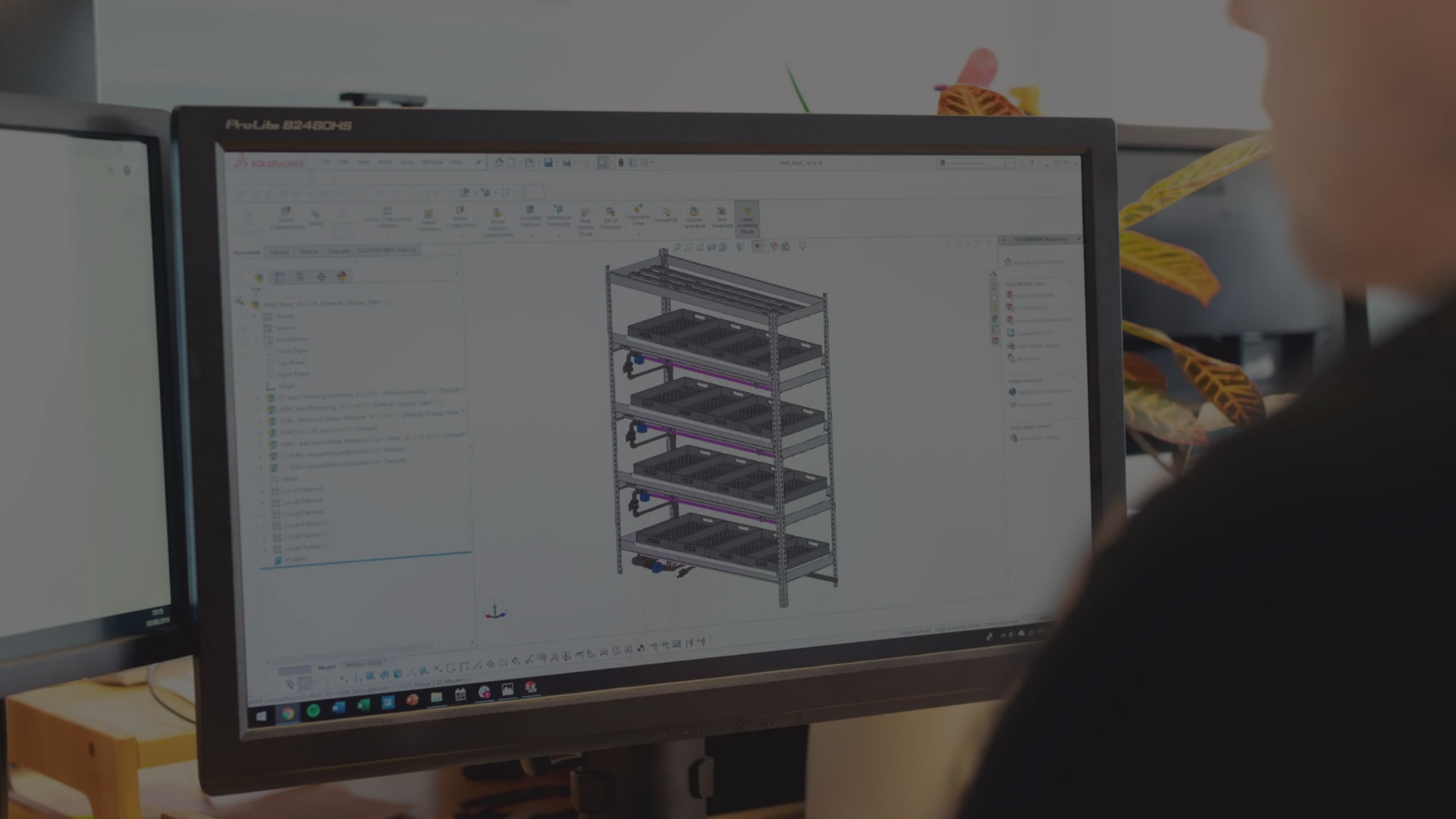
The BoM Sync Engine reads your Plant 3D, AVEVA E3D, or Revit models and extracts all equipment specifications, piping materials, valve types, instrument tags, and structural components. It applies your commodity codes, normalizes descriptions to match SAP master data, aggregates quantities by material type, and generates formatted BoM packages ready for direct import into SAP material requisitions or procurement systems.

Asset Tagging Module

Every piece of equipment in your CAD model gets automatically registered in SAP with its complete technical specifications, maintenance requirements, spare parts lists, and functional location hierarchy. The Asset Tagging Module maintains the relationship between CAD objects and SAP assets – when tags change in CAD, SAP updates automatically. When maintenance data updates in SAP, engineers see the latest information without leaving their CAD environment.

Validation Layer

The Validation Layer runs automated checks on every piece of data before it syncs to SAP – verifying required attributes are populated, specifications match allowable values, material codes exist in SAP masters, and business rules are satisfied. Engineers receive immediate feedback on validation failures with clear guidance on corrections needed, preventing bad data from propagating into procurement and maintenance systems.

Procurement Dashboard

Engineers, project managers, and procurement teams access a unified dashboard showing which BoM packages have synced to SAP, requisition approval status, PO placement, vendor delivery dates, and outstanding items. The dashboard pulls real-time data from both CAD and SAP, providing instant visibility without learning SAP transaction codes or running complex reports. Alerts notify stakeholders when bottlenecks occur or actions are needed.

Bidirectional Sync

Integration isn't just CAD → SAP. When procurement identifies long-lead items, vendor delivery dates, or approved substitutions, that information flows back into the CAD environment where engineers can see it during design reviews. When maintenance updates equipment specifications or service history in SAP, those changes appear in CAD for accurate as-built documentation. Bidirectional sync eliminates the scenario where CAD and SAP drift apart over the project lifecycle.

Engagement Model & Investment

Phased approach that de-risks investment and delivers value at each stage.

Phase 1

Workflow Audit (2-3 weeks)

We analyze your current CAD-to-ERP workflows, quantify time spent on manual processes, and identify integration opportunities with ROI projections.


What’s included:

  • Workshop sessions with engineering, procurement, and IT teams
  • Current-state process mapping (CAD → Excel → SAP workflows)
  • Time and cost analysis of manual data handling
  • Technical architecture assessment (CAD platforms, SAP modules, data structures)
  • Integration roadmap with quick wins and long-term opportunities
  • ROI model with payback projections


Deliverable: Comprehensive workflow audit report with integration architecture, implementation roadmap, and business case for executive approval.

Phase 2

Pilot Implementation (6-10 weeks)

Limited-scope deployment on a single project or discipline that proves the integration works and validates ROI before full rollout.


What’s included:

  • Core integration development (BoM Sync Engine, Validation Layer)
  • Single CAD platform connection (e.g., Plant 3D only)
  • SAP connector for material requisitions
  • Basic validation rules and error handling
  • User training and documentation
  • Pilot project support (1-2 BoM packages)
  • Performance metrics and ROI validation


Deliverable: Working integration system deployed on pilot project with measured time savings, error reduction, and validated ROI – ready for full deployment decision.

Phase 3

Full Deployment (3-6 months)

Enterprise-wide rollout with all five integration modules, multiple CAD platforms, advanced features, and organizational change management.


What’s included:

  • All five integration modules (BoM Sync, Asset Tagging, Validation, Dashboard, Bidirectional Sync)
  • Multiple CAD platform support (Plant 3D + E3D + Revit)
  • Full SAP module integration (MM, PM, PS modules)
  • Advanced validation rules engine
  • Web dashboard with real-time visibility
  • Custom workflows and approval routing
  • Integration with existing systems (document management, project controls)
  • Comprehensive training program
  • Go-live support and optimization


Investment range factors: Number of CAD platforms, SAP module complexity, customization requirements, organization size, and training scope.

Phase 4

Support & Evolution (Ongoing)

Continuous support, enhancements, and evolution as your CAD platforms, SAP instance, and business requirements change.


What’s included:

  • Technical support and bug fixes
  • CAD and SAP version compatibility updates
  • New feature development based on user feedback
  • Performance monitoring and optimization
  • Additional CAD platform or ERP module integration
  • Training for new team members
  • Annual health checks and process optimization

Contact Us to Get a Detailed Roadmap

Fill The Form

The ROI Case for CAD-ERP Integration

Real numbers from actual deployments – not theoretical projections.

Engineering Time Savings: $96K+ Annually

1,200 engineering hours per year × $80/hour loaded rate = $96,000+ in annual savings from eliminating manual data entry alone.

Procurement Cycle Time: 25% Reduction

Automated BoM synchronization eliminates the lag between engineering completion and procurement initiation – enabling material requisitions to start immediately when designs reach approval gates.

Asset Registration: 10 Days → Same-Day

Because engineering data synchronizes to SAP throughout the project, asset handover to operations requires minimal reconciliation – just validation and final approval.

Error Reduction: 15% → <2%

Manual data transfer introduces typos, wrong units, copy-paste errors, and version mismatches that cause procurement delays, wrong material orders, and field rework.

Typical Payback Period: 8-14 Months

Between time savings, error reduction, faster procurement, and eliminated rework, most organizations achieve full ROI in 8-14 months. Everything after that is pure operational improvement and cost avoidance.

icon
icon

Case Studies

Real projects, real results

Integration of CAD/BIM with SAP for a Midstream Gas Processing Plant

A gas processing plant had constant mismatches between their AVEVA E3D models and SAP. Engineers transferred data by hand, which caused frequent BOM errors and delayed procurement. The wrong materials showed up on site — and the right ones arrived late.

We built a sync tool that connects E3D directly to SAP. It auto-tags assets, validates specs against master data, and keeps both systems current throughout the project.

Result: 85% better data sync. 70% fewer data-related reworks. 60% faster procurement readiness.

Read more about the case
Integration of CAD/BIM with SAP for a Midstream Gas Processing Plant

Supported CAD & ERP Platforms

CAD Platforms

AutoCAD Plant 3D logo AutoCAD Plant 3D
AVEVA E3D and AVEVA Diagrams AVEVA E3D
AutoCAD Revit logo AutoCAD Revit

ERP Systems

SAP S/4HANA logo SAP S/4HANA
SAP ECC tool logo SAP ECC
Oracle ERP Cloud logo Oracle ERP Cloud
Oracle E-Business Suite logo Oracle E-Business Suite

Frequently Asked Questions

Ask Your Question

How much does CAD-ERP integration cost?

Total investment depends on scope. A typical engagement starts with a Workflow Audit ($8,000–$15,000, 2–3 weeks) that maps your current processes and quantifies ROI before any development begins. Pilot implementation on a single project runs $30,000–$50,000 over 6–10 weeks. Full enterprise deployment across multiple CAD platforms and SAP modules ranges from $80,000–$200,000. Most organizations achieve full payback in 8–14 months – one oil & gas client saved $120K+ annually in engineering labor alone after deployment.

How long does implementation take?

From first workshop to production-ready pilot: 8–13 weeks. The Workflow Audit takes 2–3 weeks, followed by a 6–10 week pilot that delivers a working integration on one project or discipline. Full enterprise rollout takes 3–6 months depending on the number of CAD platforms, SAP module complexity, and organizational change management requirements. Every phase delivers measurable value – you don’t wait months before seeing results.

Which CAD platforms can you integrate with SAP?

We support the CAD platforms that oil & gas, EPC, and industrial engineering teams actually use: AutoCAD Plant 3D, AVEVA E3D (Everything3D), Autodesk Revit, and Intergraph Smart 3D. Multi-platform environments are common – many clients run Plant 3D for piping and Revit for structural/MEP, both feeding into a single SAP instance. Our rules-based mapping engine handles the schema differences between each CAD platform and SAP’s data model.

What SAP modules do you connect to?

The integration covers SAP MM (Materials Management) for material masters and procurement requisitions, SAP PM (Plant Maintenance) for equipment masters and maintenance planning, and SAP PS (Project Systems) for project coding and cost allocation. We also support SAP S/4HANA and SAP ECC environments, plus integrations with SAP Ariba for procurement workflows. The bidirectional sync ensures that changes in any connected module flow back to the engineering environment automatically.

What’s the typical ROI timeline?

Most organizations see full ROI in 8–14 months. The math is straightforward: a mid-sized engineering team handling 10–15 projects per year typically recovers 1,200+ engineering hours annually ($96K+ at standard loaded rates) from eliminating manual data entry alone. Add procurement cycle time reductions (25%), eliminated rework from wrong-spec orders (one client avoided $400K in the first year), and same-day asset registration instead of 10+ day delays – the payback accelerates well beyond labor savings. We validate these numbers during the Workflow Audit phase before you commit to implementation.

Running Platform Without Automated Sync?

Book a free 30-minute CAD-to-ERP workflow audit – we'll show you exactly where time and accuracy are being lost. We'll identify manual steps, quantify time spent, and show you where automation can eliminate bottlenecks and errors. No charge, no commitment – just a clear picture of what integration could deliver for your organization.

38 Middlehill Road,
Wimborne, BH21 2SE

    What you’ll get

    • Current-state workflow mapping (CAD → ERP data flow)
    • Time and cost analysis of manual processes
    • Error rate assessment and quality impact
    • Integration approach recommendations
    • ROI projection with payback timeline
    • Next steps for pilot or full deployment