logo mobile, instandart, instandart logo, software development company, logo, icon for website, website logo, custom software development company, instandart it company, software development
Book a call

What We Deliver

  • Clash resolution: 3–5 days → <1 day (80% faster)
  • Duplicate clashes reduced by 90%
  • Review cycle: 10 days → 3–4 days (65% faster)
  • Reporting time: 8 hours/week → <1 hour/week
  • Overall coordination efficiency gain: 60%

What Problems Does Manual Clash Coordination Create?

Large EPC projects with multiple disciplines, contractors, and model revisions generate coordination complexity that spreadsheets and emails cannot absorb. Here's where it breaks.

Manual Clash Tracking in Excel

Most EPC projects track clashes in Excel. Someone exports clash reports from Navisworks, copies data into spreadsheets, emails them to discipline leads, then chases status updates through follow-up emails. This process collapses as clash counts grow.
Spreadsheets become unmanageable beyond 200–300 clashes. There's no version control – teams work off different Excel files.

Version Chaos Without Model Control

When structural, piping, electrical, and HVAC teams each publish model revisions independently without centralized control, coordination becomes impossible.
No one knows which model version is current. Clashes get resolved against outdated geometry. The same issues reappear because someone loaded old files.

No Centralized Review Platform

Without a unified system, model review happens in silos. Structural reviews in Tekla. Piping reviews in AVEVA or Plant 3D. Electrical uses their own federated model. There's no single source of truth for clash status. Coordination meetings waste time reconciling different lists. Client reviews require manual consolidation from every discipline.

Unclear Ownership and Accountability

When clashes live in spreadsheets and emails, responsibility gets lost. "Assigned to piping" doesn't specify which engineer. There's no automatic escalation when deadlines pass. Discipline leads spend hours chasing status. Critical clashes slip through because ownership was ambiguous. Post-project reviews can't determine accountability.

What We Built: Automated Coordination Platform ClashFlow

An integrated system that handles clash detection, model version control, workflow automation, and real-time reporting – purpose-built for large EPC projects.

Clash Detection Software

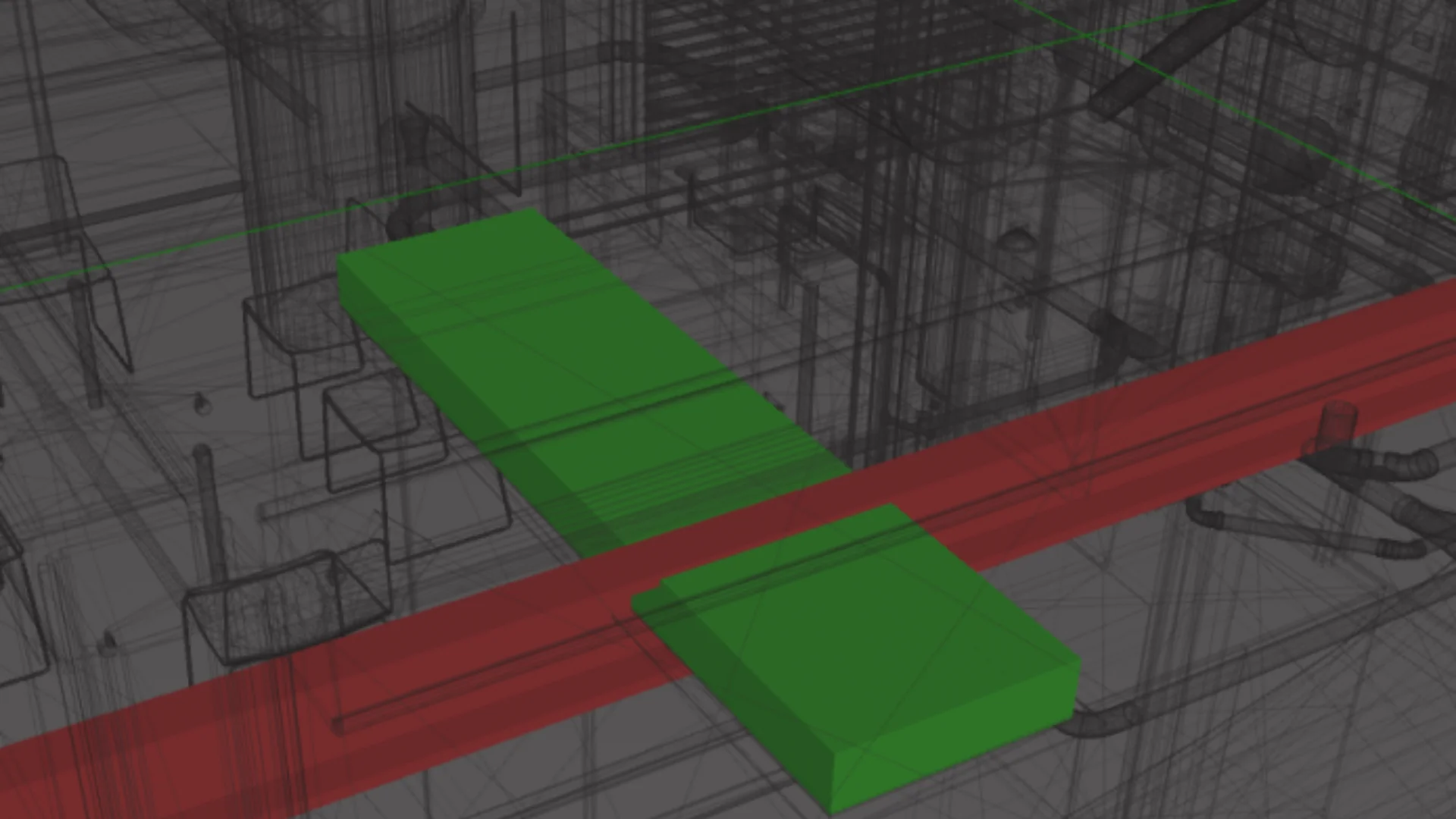
Automated clash detection that runs on every model check-in, intelligently filters results, eliminates duplicates, and creates actionable work packages. Automated Detection Runs, Intelligent Filtering & Prioritization, Duplicate Elimination, 3D Visual Context, Multi-Platform Support

Interdisciplinary Coordination

Workflow automation, assignment tracking, and real-time visibility that replace manual coordination meetings and spreadsheet updates. Automated Assignment Workflows, Resolution Tracking & Verification, Version Control Integration, Real-Time Dashboards, Automated Reporting, Mobile Access

icon
icon

What Results Can You Expect?

Real metrics from EPC projects that deployed our clash coordination platform.

Client's trust: 140+ completed projects

Clash Resolution: 3–5 Days → Less Than 1 Day

On a gas processing facility with civil, mechanical, piping, and electrical disciplines, resolving a single clash previously took 3–5 days due to unclear ownership, miscommunication between teams, and no structured decision history. With automated assignment, threaded discussions, and resolution verification built into the platform, the average resolution time dropped to under one day – an 80% improvement.

Client's trust: 140+ completed projects

Duplicate Clashes Reduced by 90%

The same facility was drowning in duplicate reports – the same conflict appearing across multiple detection runs because no system tracked clash identity across model revisions. Geometric fingerprinting and revision-aware tracking cut duplicates by 90%, meaning engineers spent their time resolving real issues instead of re-triaging ones they'd already handled.

Client's trust: 140+ completed projects

Review Cycle: 10 Days → 3–4 Days

Without a centralized review platform, each review iteration required manual consolidation from every discipline coordinator, physical coordination meetings, and email-based status chasing. Cloud-based access and asynchronous review workflows compressed the cycle from 10 days to 3–4 days – a 65% reduction that directly accelerated the project's design phase.

Client's trust: 140+ completed projects

Reporting Time: 8 Hours/Week → Less Than 1 Hour/Week

Discipline coordinators were spending an entire working day each week pulling clash data from multiple sources, reformatting for project manager review, and preparing client-facing reports. Automated dashboards and one-click report generation returned those hours to actual coordination work.

Client's trust: 140+ completed projects

Downstream Impact

Construction delays from undetected clashes reduced by 75%. Field rework costs down 40% due to earlier conflict detection. Engineering coordinators freed from status tracking to focus on problem-solving. Client satisfaction improved with real-time visibility and faster issue resolution.

Case Study

Real projects and real results

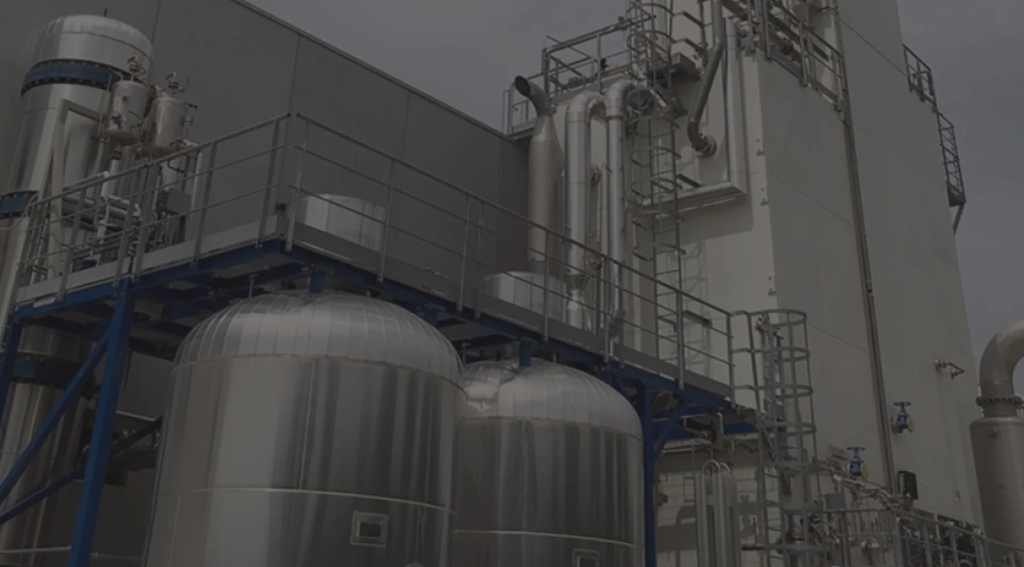
3D Model Review Tool for Multi-Disciplinary Clash Management on a Gas Processing Facility

Eight engineering disciplines. Hundreds of clashes. All tracked in Excel with no version control. Coordination meetings wasted time arguing about which model was current.

We deployed an automated platform with version control, duplicate filtering, assignment workflows, and live dashboards. Therefore, coordinators could stop chasing spreadsheets and start solving actual design problems.

Result: 50% faster reviews. 80% fewer manual errors. 90% better cross-team coordination.

Read more about the case
3D Model Review Tool for Multi-Disciplinary Clash Management on a Gas Processing Facility

Engagement Model & Investment

Phased deployment that proves value before scaling across your organization.

Phase 1

Coordination Assessment (1-2 weeks)

We analyze your current clash coordination processes, quantify time spent, and identify automation opportunities.


What’s included:

  • Workshops with discipline coordinators and project managers
  • Review of current coordination workflows (Excel tracking, reporting, meetings)
  • Time and cost analysis of manual coordination overhead
  • CAD platform assessment (E3D, Plant 3D, Revit, Tekla, etc.)
  • Implementation roadmap with quick wins
  • ROI projection based on time savings and error reduction


Deliverable: Coordination assessment report with current-state analysis, automation opportunities, and business case for platform deployment.

Phase 2

Pilot Deployment (4-6 weeks)

Limited deployment on a single project that proves the platform works and validates ROI before full rollout.


What’s included:

  • Platform setup for pilot project (single site/area)
  • Integration with 2-3 CAD platforms
  • Automated clash detection configuration
  • Basic workflow setup and assignment rules
  • Web dashboard for coordination team
  • User training and documentation
  • Pilot support (2-3 model revision cycles)
  • Performance metrics and ROI validation


Deliverable: Working platform deployed on pilot project with measured time savings, clash resolution improvements, and validated ROI for full deployment decision.

Phase 3

Full Deployment (2-4 months)

Enterprise-wide rollout with advanced features, multi-project support, and organizational change management.


What’s included:

  • Full platform deployment (unlimited projects/users)
  • All CAD platform integrations
  • Advanced workflow automation and routing
  • Version control and change tracking
  • Automated reporting and dashboards
  • Mobile access for field teams
  • Integration with document management and project controls
  • Comprehensive training program (all roles)
  • Change management support
  • Go-live support and optimization


Investment range factors: Number of concurrent projects, CAD platforms, user count, customization requirements, and integration complexity.

Phase 4

Support & Enhancement (Ongoing)

Continuous platform support, feature enhancements, and evolution as your coordination needs grow.


What’s included:

  • Technical support and issue resolution
  • CAD platform version compatibility updates
  • New feature development based on user feedback
  • Performance monitoring and optimization
  • Additional CAD platform integration
  • Training for new project teams
  • Quarterly process optimization reviews

Contact Us to Know More About Your Project's Roadmap

Fill The Form

Frequently Asked Questions

Ask Your Question

What CAD platforms does ClashFlow support?

ClashFlow integrates with Navisworks, Autodesk Revit, AVEVA E3D, Tekla Structures, AutoCAD Plant 3D, and Intergraph Smart 3D. The platform federates models from multiple tools – your teams keep working in their native environments while ClashFlow handles cross-platform clash detection and coordination. If you use a platform not listed here, we assess integration feasibility during Phase 1.

How does automated clash detection differ from Navisworks clash detection?

Navisworks detects clashes. ClashFlow manages their resolution. The difference is operational: Navisworks produces a list of geometric conflicts. ClashFlow takes that list (or runs its own detection on model check-in), eliminates duplicates, applies project-specific filtering and prioritization rules, assigns each clash to the responsible engineer, tracks the full resolution workflow, verifies fixes against updated models, and generates audit-ready reports. On a recent gas processing facility project, this operational layer reduced clash resolution time by 80%.

Can non-CAD users access the review platform?

Yes. ClashFlow’s web interface provides 3D model visualization, clash status tracking, and reporting dashboards without requiring any CAD software license. Project managers, clients, and discipline leads review and approve through a browser. Field teams use mobile access to check clash status and upload site photos. Only the underlying detection engine requires CAD platform access.

How does ClashFlow handle multi-discipline coordination?

Each clash is automatically routed to the responsible discipline and specific engineer based on configurable rules: element type, location zone, contract scope, or a custom ownership matrix that reflects your project’s organizational structure. Resolution tracking captures discussion threads, design decisions, and model updates with full audit trail. Dashboards show coordination performance by discipline, making bottlenecks visible before they delay the project.

What is the typical project timeline from assessment to full deployment?

Assessment takes 1–2 weeks. Pilot deployment on a single project runs 4–6 weeks and covers 2–3 model revision cycles – enough to validate ROI with real data. Full enterprise deployment takes 2–4 months depending on the number of projects, CAD platforms, and integration complexity. Most clients make the pilot-to-full decision within one revision cycle after seeing measured time savings.

Still Tracking Clashes in Excel?

Let's show you what automated coordination looks like. Book a 30-minute call where we'll show you how automated detection, intelligent filtering, workflow assignment, and real-time reporting work in practice.

38 Middlehill Road,
Wimborne, BH21 2SE